 Sipu Jha

Want to see more TOI stories on Google? Google has rolled out a new setting called Preferred sources for newsy searches. When you pick the outlets you trust, Google shows more of their coverage in Top stories, and sometimes in a “From your sources” unit—whenever those outlets have fresh, relevant articles for your query. The feature launched on August 12, 2025 and is rolling out first in India and the US (English).Click here to add Times of India as your preferred source of news in Google Search
At a glance
- Pick your favorite outlets once, see more from them in Top stories.
- You may also get a “From your sources” section on the results page.
- Works in India and the US (English) for now.
- Your choices sync across devices when you’re signed in.
Click here to add Times of India as your preferred source of news in Google Search
How to add Times of India as a preferred source (fast method)
1. Go to Google and search for a current news topic (for example, “monsoon update”).

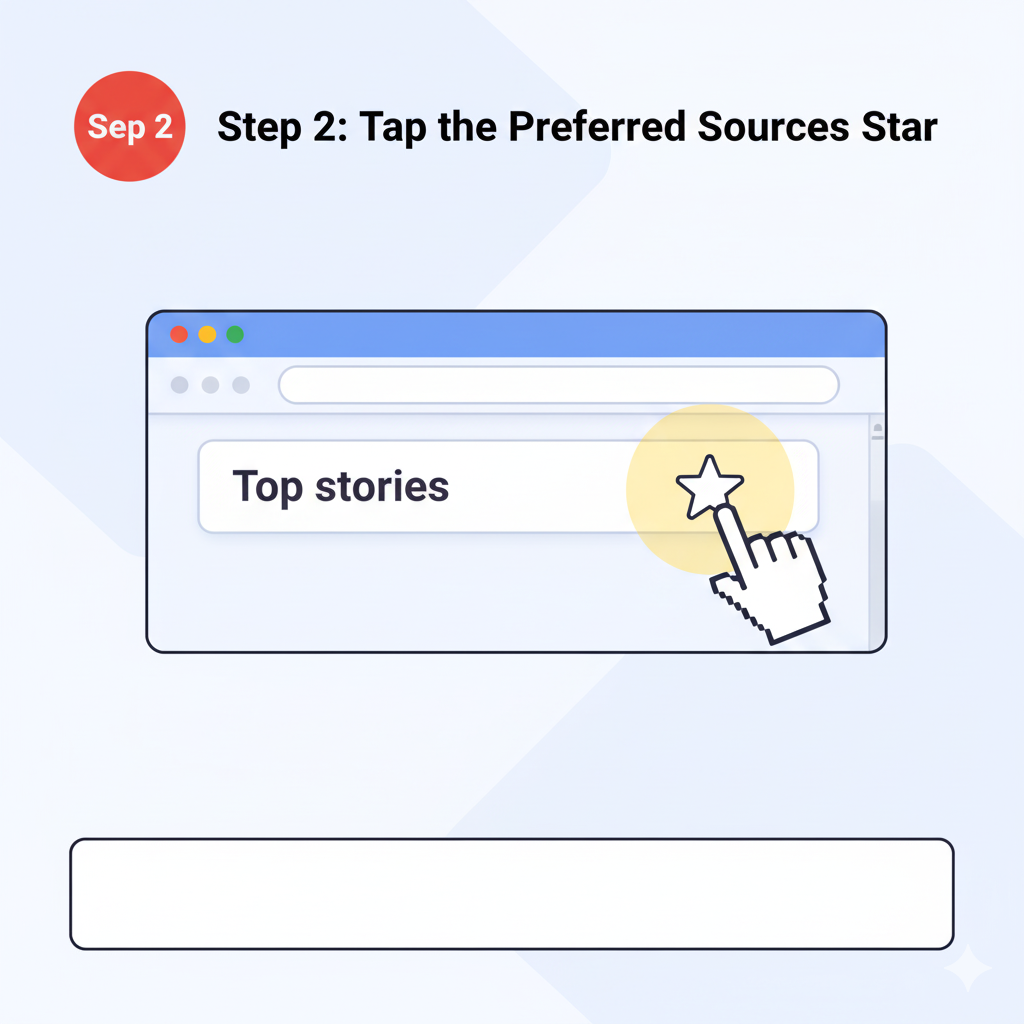
2. If you see Top stories, click/tap the star-card icon on the right of the Top stories header.
3. In the picker, search Times of India and check the box.
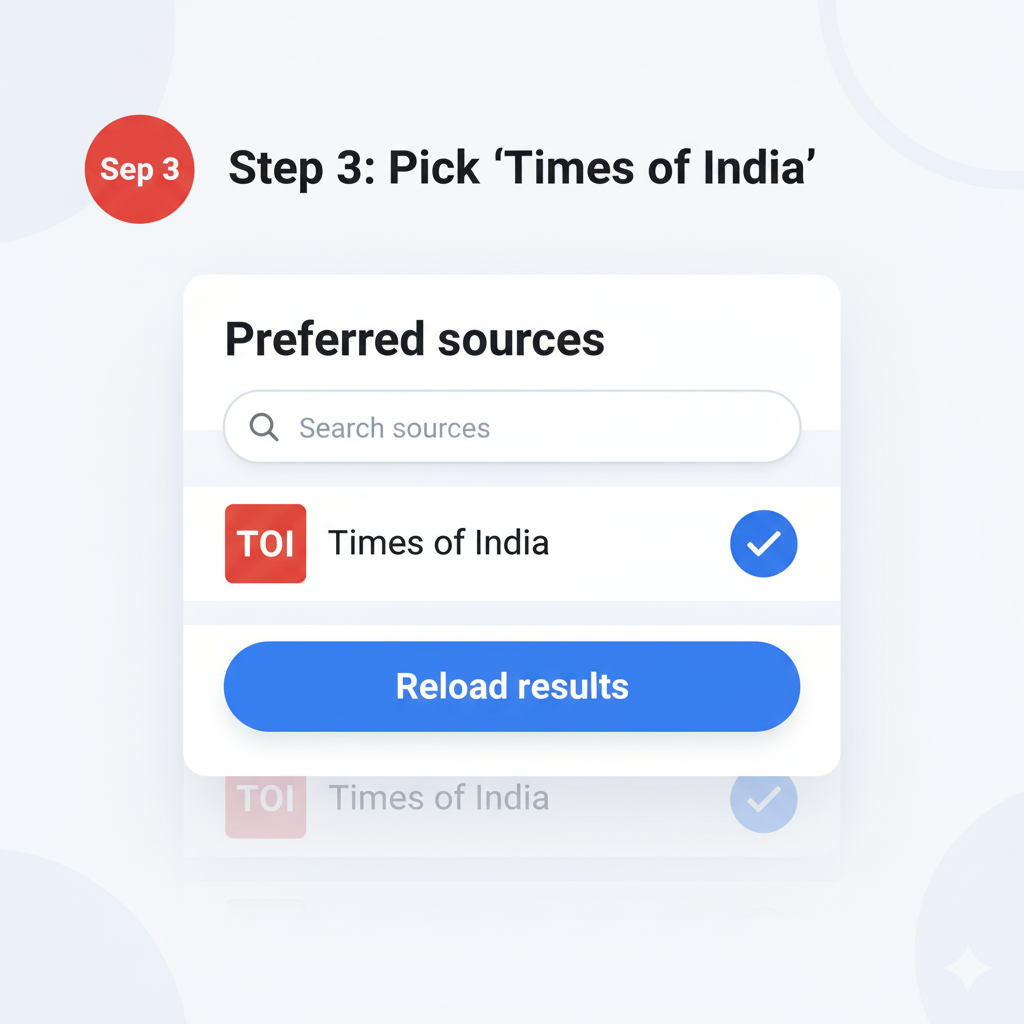
4. Tap Reload results. You’ll start seeing more TOI coverage for relevant searches.
Click here to add Times of India as your preferred source of news in Google Search
Optional: Add via settings (if available on your device)
Some users also see a path via Search personalization → Source preferences in Search settings. Menu names can vary by device; if you don’t see it, use the Top stories method above. Where will TOI show up after you add it?
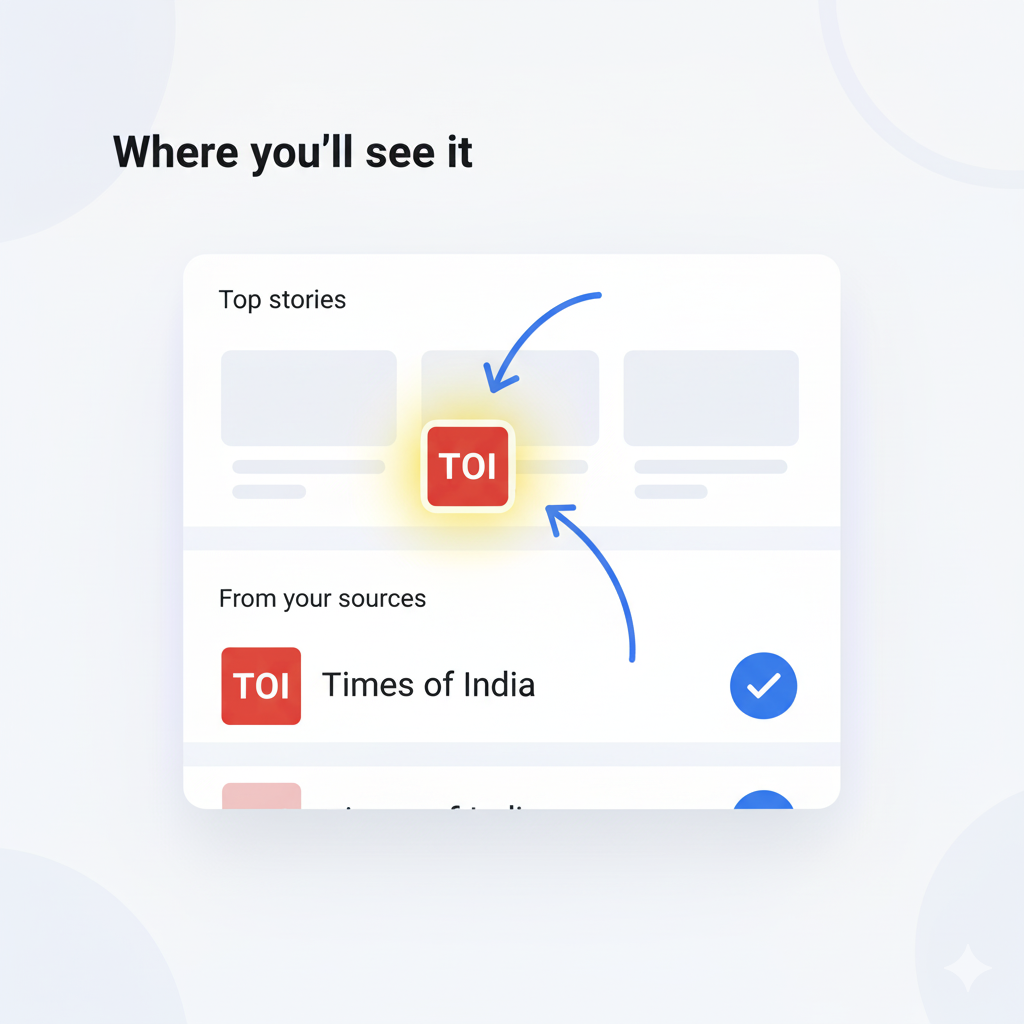
- In the Top stories carousel for relevant searches.
- In a smaller “From your sources” unit, when available.
Availability
- Regions: India and the US (initial rollout).
- Language: English within Top stories.
Click here to add Times of India as your preferred source of news in Google SearchHow to edit or remove preferred sourcesOpen a newsy search → Top stories → star-card icon → uncheck sources you want to remove or add new ones → Reload results.
FAQs
Does this block other publishers?No. You’ll still see a mix of sources. Preferred sources just appear more often when they have fresh, relevant coverage for your search. How many sources can I pick?Google doesn’t list a limit. You can select multiple sources. (Third-party coverage notes users can add “as many as you like.”) Do I need to be signed in?Signing in helps sync your settings across devices and browsers where you use the same Google account. Is this in the Google News app too?Preferred sources is a Search feature (Top stories / From your sources). The Google News app has its own settings.
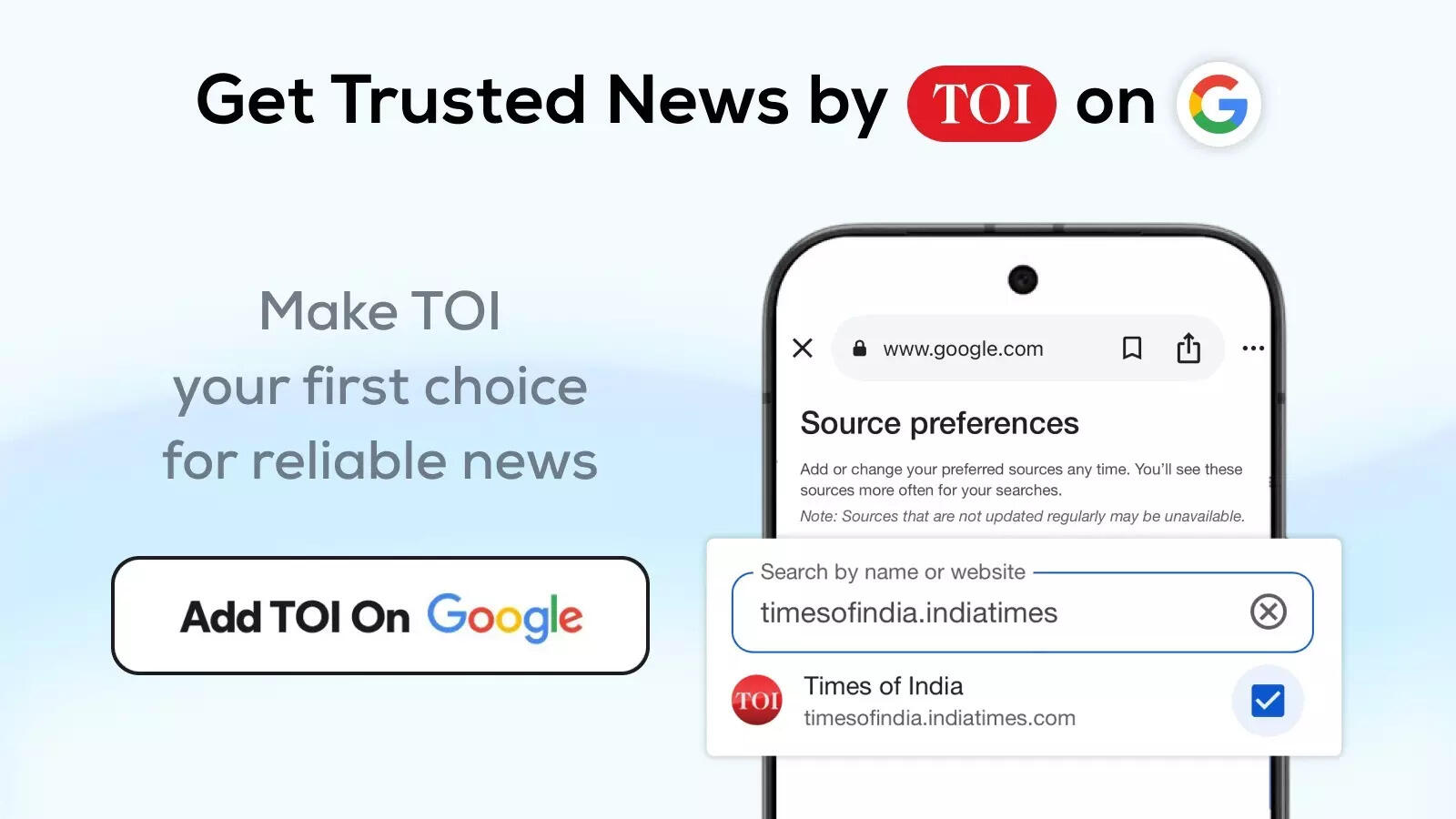
How to add Times of India as Preferred Sources in Google Search
Click here to add Times of India as your preferred source of news in Google Search







 हिन्दी
  English